
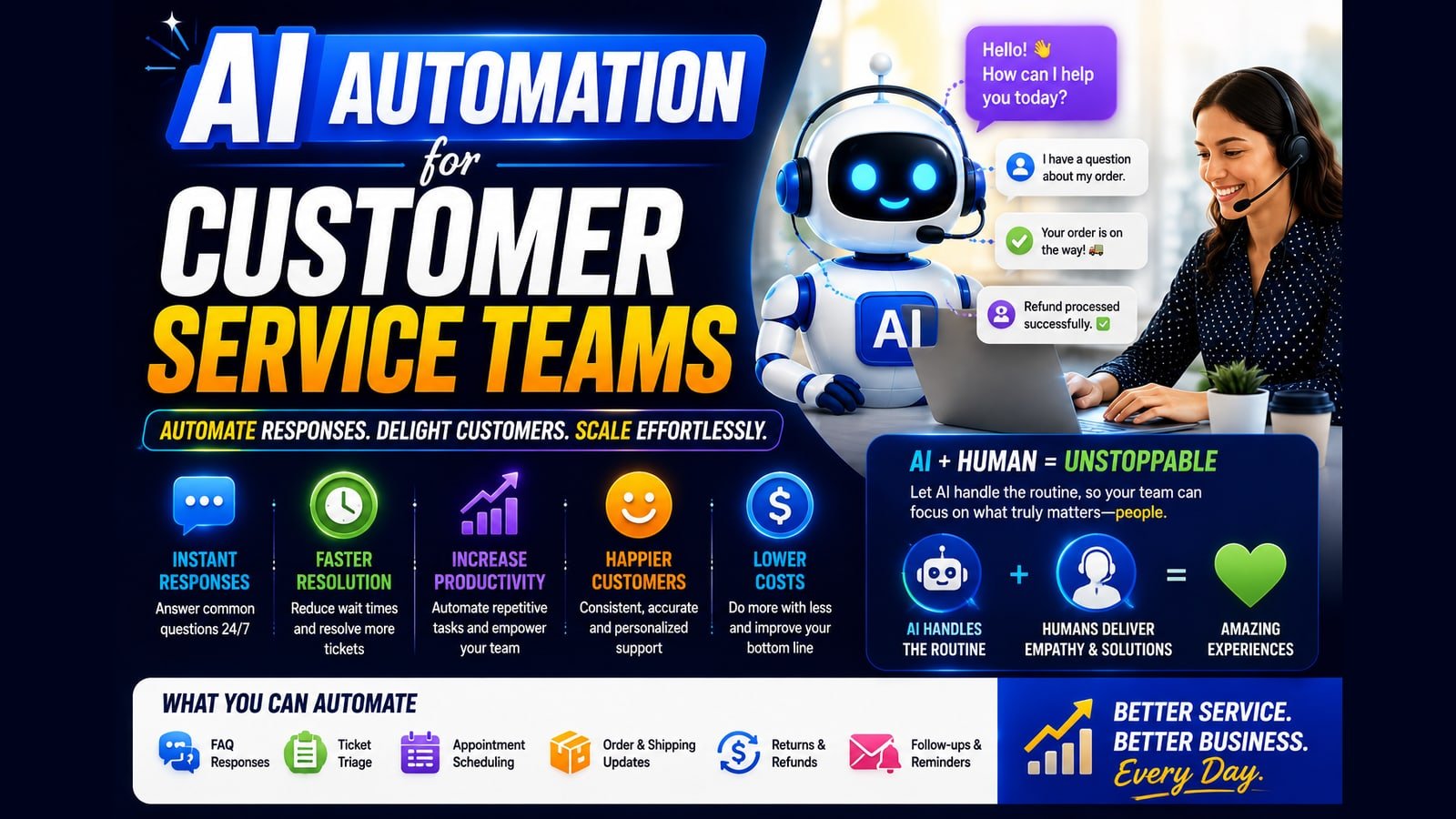
Almost everything written about AI automation for customer service teams is published by a company selling customer service software, which is why it all concludes that you should automate as much of it as possible. We do not sell a helpdesk, so this is the version that says where the line is. Triage and routing pay back quickly and reliably. Automated resolution pays back sometimes, under conditions most teams do not meet. And there is a category of support work where automating it actively costs you money — not in tooling, in customers. This post covers all three, in the order you should approach them.
Key takeaways
- Automate the sorting, keep humans on the answering — classification and routing pay back fastest and never touch the customer.
- Draft-and-review is where most of the time saving is, and for many teams it is the right permanent stopping point rather than a stage.
- Design the escalation path before the automation. Being trapped without a route to a person is the failure that costs customers.
- Never automate complaints, cancellations, second attempts, or high-value accounts — the automation works and you lose anyway.
- Deflection rate is gamed by making humans harder to reach. Track first-response time, satisfaction split by handler, and repeat contact rate instead.
- Run classification only, sending nothing to customers, for the first month — a free read on accuracy with no exposure.
What this covers, and what it does not
This post is about written support — email, chat, web forms, and the ticket queue behind them. Inbound phone is a different problem with different mechanics, different failure modes, and a different set of tools; it has its own post, linked at the end.
The distinction matters more than it sounds. A phone call is synchronous: the person is on the line right now, and the cost of getting it wrong is immediate. A ticket is asynchronous, which buys you something valuable — time to classify, route, draft, and check before anyone commits to an answer. Almost every good decision in support automation comes from using that gap properly rather than racing to close it.
One more boundary. Support automation is not the same as replacing support. The teams that get the most out of this are the ones that automate the sorting and keep the humans for the answering.
Why support is not like other automation
Most business automation runs on processes where the input is predictable and the customer never sees the machinery. Support is the opposite on both counts: the input is whatever a frustrated person decided to type, and the output goes straight to a customer who is already having a bad day.
That changes the risk profile completely. A billing automation that fails silently costs you a reconciliation headache. A support automation that fails visibly costs you the customer, and then costs you again when they explain why in public. The blast radius is larger and it points outward.
There is a second, subtler cost that nobody budgets for. Your support queue is the highest-quality product feedback you will ever get — unprompted, specific, and from people motivated enough to write in. Automate the queue away without capturing what is in it and you have not just deflected tickets; you have gone deaf to the reasons they were sent. Teams discover this about a year later, when they realise nobody can say what customers are actually struggling with any more.
The classification, routing and context-retrieval described above is ordinary AI workflow automation work — built into the helpdesk you already run, rather than sold as a replacement for it.
What to automate, in the order that pays
Each step is safer and better understood than the one after it. Do them in this sequence, and stop wherever the returns stop justifying the risk — that point arrives earlier than vendors suggest.
- Classification and tagging. Read the incoming message, work out what it is about and how urgent it is, and label it. Nothing is sent to the customer, so the worst case is a mislabelled ticket a human corrects. Highest return, lowest risk, and it should be first every time.
- Routing and assignment. Send the labelled ticket to the right queue or the right person. Still invisible to the customer, still cheap to correct, and this is where most of the response-time improvement actually comes from.
- Acknowledgement with real information. Not "we have received your ticket" — that is a bounce message. An acknowledgement that names what the request is about and gives an honest expected response time. Small change, disproportionate effect on how the wait feels.
- Draft replies for agent review. The system writes a suggested response; a human reads it, edits it, sends it. This is where the large time saving lives, and it is safe precisely because a person is still the last step before the customer.
- Retrieving context before the agent opens the ticket. Pull the account history, previous tickets, order status, and known issues into the ticket so nobody spends the first four minutes looking things up. Unglamorous and quietly one of the biggest wins here.
- Fully automated resolution, for a narrow band of requests only. Where the answer is genuinely deterministic and verifiable — order status, password resets, opening hours, delivery tracking. Not "anything the model can answer confidently", which is a different and much wider category.
The escalation rules are the whole design
If you take one thing from this post: the quality of a support automation is determined almost entirely by how quickly and cleanly it gives up. Everything else is secondary.
The customer-facing failure that does real damage is not a wrong answer. It is being trapped — sensing you are talking to a machine, asking for a person, and not getting one. That specific experience converts an ordinary support ticket into a complaint about your company, and people remember it far longer than they remember the original problem.
So design the exit first, before the automation. A request to speak to a human should be honoured immediately and without negotiation, every time, with no retention attempt in between. Detected frustration should escalate whether or not the customer asked. Anything touching money, cancellation, a complaint, or a legal or safety question should route to a person on the first touch rather than after a failed attempt. And a conversation that has gone around twice without progress has already failed — hand it over.
A rising escalation rate is not a failure signal, and treating it as one is how these systems get worse over time. It tells you precisely where the automation's edge is. Optimising the number down, rather than reading what it is telling you, is the most common way a support deployment quietly turns hostile.
Where automating support costs more than it saves
These are the cases where the automation works exactly as designed and you lose anyway.
- Complaints. Someone taking the time to tell you they are unhappy is giving you a chance to fix it. An automated reply to a complaint reads as confirmation that nobody is listening, and it converts a recoverable situation into a lost customer plus a review.
- Cancellations and downgrades. Every one of these is a conversation with revenue attached, and it is the highest-value use of a human's time in the entire queue. Automating it saves minutes and costs the save.
- Anything where the customer is already on their second attempt. They wrote in once, it did not get resolved, they are back. Meeting that with another automated response is how a small failure becomes a public one.
- High-value accounts, whatever the topic. The maths does not work: the time saved on a handful of tickets is trivial against the relationship, and these customers notice the difference immediately because they have something to compare it to.
- Anything where the real problem is the product. If a hundred people a week write in about the same confusing step, automating the reply is treating the symptom at scale — and doing it well enough that the underlying problem stops being visible to anyone who could fix it.
Draft-and-review is the setting most teams should stop at
The step that gets skipped in the rush to full automation is also the one with the best ratio of saving to risk, and for most teams it is the right place to stop permanently rather than temporarily.
The mechanics are simple. The system reads the ticket, pulls the relevant account context and any prior conversation, and writes a suggested reply. The agent reads it, edits what is wrong, and sends. Most of the time spent on a routine ticket is composition and lookup, not judgement, and this removes almost all of that while leaving the judgement where it belongs.
It also fails gracefully, which nothing downstream of it does. A bad draft is deleted and costs ten seconds. A bad automated reply is already with the customer and costs a great deal more. That asymmetry does not change as the technology improves; the person in the loop is not a limitation of the current tooling, it is the thing making the risk acceptable.
The honest reason teams push past this stage is usually headcount rather than customer experience. That can be a legitimate business decision — but it should be made deliberately, with the trade named out loud, not framed as a service improvement.
What to measure, and the metric that will mislead you
Deflection rate — the share of tickets resolved without a human — is the number every vendor reports and the one most likely to send you in the wrong direction.
The problem is that it is trivially gamed by making it harder to reach a person, and it goes up when you do. A system that frustrates people into giving up scores identically to one that genuinely answered them. Optimise it and you will reliably build the first kind while believing you built the second.
Measure these instead: first-response time, which is what customers actually experience and what triage moves immediately; full resolution time, which tells you whether you sped things up or just answered faster and resolved slower; escalation rate as a diagnostic rather than a target; and satisfaction split between automated and human-handled tickets, which is the only number that tells you whether the automation is helping or quietly hurting.
Add one more that nobody tracks: repeat contact rate on automated resolutions. If a quarter of the tickets your system closes come back within a week, it is not resolving anything. It is deferring the work and adding a round trip for the customer.
How to start without risking the relationship
Start with classification only, and do not send anything to a customer for the first month. Let it label and route while your team works exactly as before. You get a clean read on accuracy with zero customer exposure, which is the cheapest possible way to find out whether this will work on your queue.
Measure the baseline before you change anything: current first-response time, current resolution time, ticket volume by category, and what proportion is genuinely repetitive. That last number decides the scale of the opportunity, and most teams guess it high before they measure it.
Then add draft replies for the two or three highest-volume, lowest-risk categories. Not all of them — the ones where a wrong answer is embarrassing rather than expensive. Review every draft for the first fortnight; the corrections your agents make are the fastest route to a system that fits how your team actually writes.
Only after that, and only if the arithmetic justifies it, consider full automation for the narrow deterministic band. Many teams get there, look at the remaining categories honestly, and decide the draft-and-review stage was the destination rather than a waypoint. That is a good outcome, not a stalled project.
Common questions
Will customers know they are dealing with automation? On written support, often yes — and it matters less than the quality of the outcome, provided you are not pretending otherwise. What people object to is being deceived and being trapped, not being helped efficiently. Say plainly that a request was handled automatically and make the route to a person obvious, and most of the objection disappears.
How much of a support queue is realistically automatable? Less than vendors imply and more than most teams assume, and the honest answer depends on a number you can measure in an afternoon: what share of your tickets are the same handful of questions. For most businesses a meaningful slice is genuinely repetitive, but it is rarely the majority, and the long tail is where the difficult judgement lives.
Do we need to replace our helpdesk? Usually not, and be suspicious of the suggestion. Most of what is described here connects to the system you already run. Replacement means migration, retraining, and a period where support gets worse — a high price for tidiness.
What about small teams without a dedicated support function? The case is often stronger, not weaker. When support is one person doing it between other work, classification and draft replies remove the part that fragments their day. The caution is the same: keep the human on the reply.
How long does this take to set up? Classification and routing on an existing helpdesk is usually days. Draft replies with real account context take longer, because the work is connecting systems and getting the tone right rather than building anything complicated. Full automation takes longest, mostly because deciding what is safe to automate is a slow conversation rather than a technical task.
What happens when it gets something wrong? That is a design question, not a hypothetical. Decide in advance how a wrong answer is noticed, who is told, and how the customer is followed up — before launch, not after the first incident. A support automation with no error path is not finished.
This post covers written support — email, chat and the ticket queue. Phone is a different problem with different failure modes: how an AI receptionist handles inbound calls covers that side.
Related services
AI Workflow Automation
We architect and build intelligent workflow systems that connect your tools, execute decisions, and run processes around the clock — without any human input.
Explore automation infrastructureCRM Automation
We turn your CRM into an intelligent revenue engine — automated pipelines, smart follow-ups, AI scoring, and reporting that shows what to do next.
Explore crm intelligenceVoice AI Systems
We deploy AI voice agents that answer calls, qualify leads, and book appointments — at any hour, in any volume, sounding like your best team member.
Explore conversational ai