
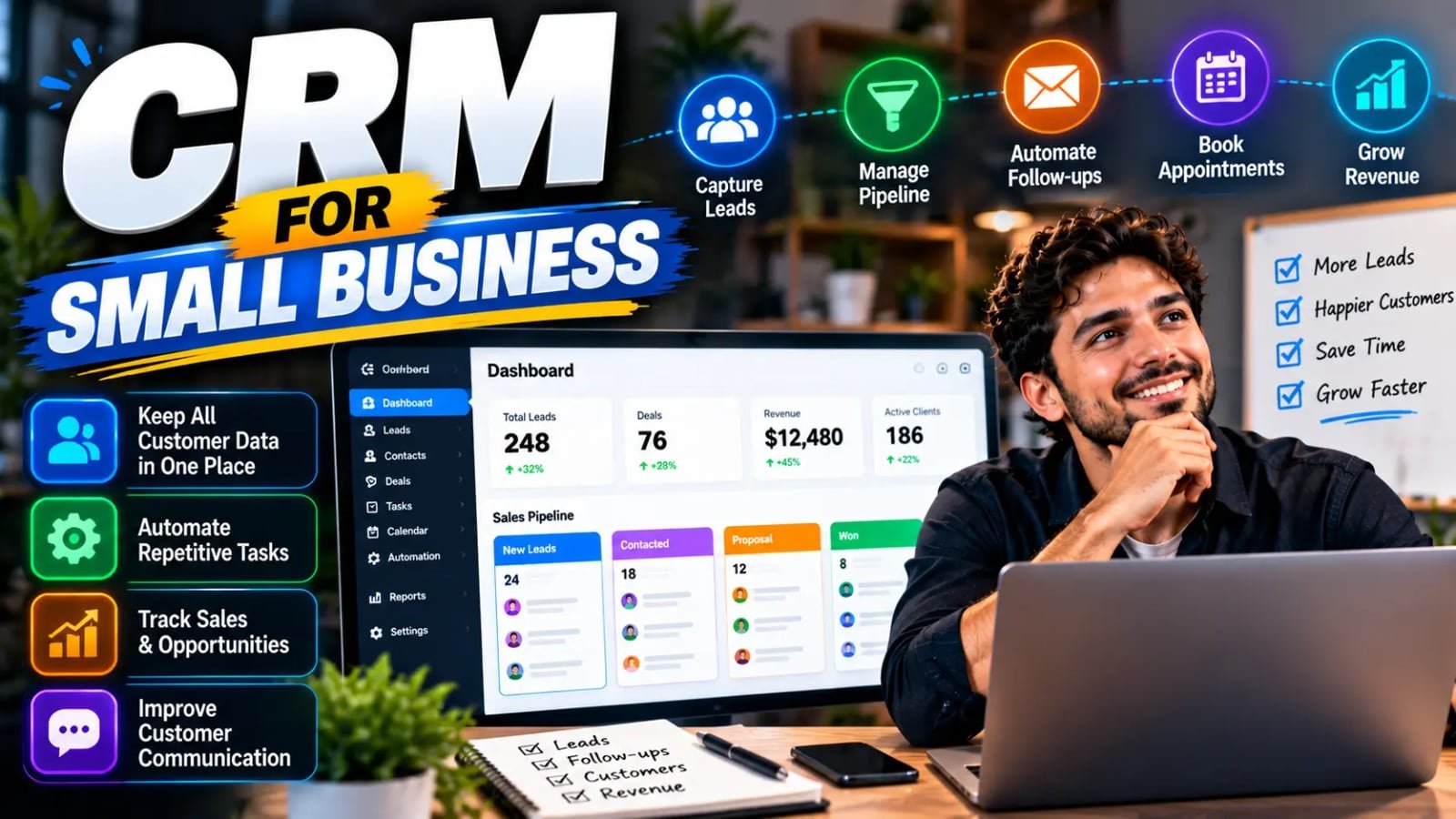
A CRM for a small business is one shared place where every lead, customer, conversation and follow-up lives, so nothing depends on someone's inbox or memory. Choosing one comes down to who will use it, what work it has to hold, which tools it must connect to, and what it really costs once you count seats and add-ons. This guide covers those questions, what five CRMs small businesses commonly use say they cost on their own pricing pages, and the setup in the first month that decides whether your team actually uses it.
Key takeaways
- A small-business CRM is one shared record of every lead, customer and follow-up, so nothing depends on one person's inbox.
- Choose by who uses it daily, what work it must hold, what it must connect to, whether you can export your data, and the real cost.
- Most CRMs price per user; GoHighLevel charges a flat monthly fee. Many show annual-billing prices, and add-ons can sit on top.
- HubSpot and Zoho have free tiers (two and three users); Freshsales, Salesforce Starter and GoHighLevel offer free trials.
- The first month decides adoption: few stages, few required fields, automatic lead capture, and one weekly report.
What a CRM does for a small business
CRM stands for customer relationship management, which undersells how ordinary the job is. A CRM is a database of the people who might buy from you or already have, with a record of every call, email, quote and payment attached to each one, and a view of where every open deal stands.
For a small business the value is mostly about not losing things. A lead who filled in a form on Friday night is still visible on Monday. A customer who called twice about the same problem shows up with both calls attached. When the person who usually handles a client is out, someone else can see the whole history in one screen instead of searching three inboxes.
The second job is follow-up. Most small businesses do not lose sales because the offer was wrong; they lose them because nobody followed up on the third day. A CRM makes the next step visible — a task, a reminder, an automatic email — so it happens whether or not anyone remembers it.
When a small business actually needs a CRM
Not every business does. A sole operator with a dozen clients who all come by referral can run on a spreadsheet and a calendar, and adding software would mostly add admin.
The signs that you have outgrown that are specific. Leads arrive from more than one place — your website, phone calls, ads, a marketplace — and nobody can say how many came in last month. More than one person talks to the same customers. Quotes go out and nobody tracks which ones were answered. Or someone leaves and their customer history leaves with their inbox.
If two or more of those sound familiar, the cost of a CRM is almost certainly less than the cost of the leads currently slipping through.
If you would rather have the lead capture and follow-up set up for you, that is what our CRM automation work covers — built in the CRM you choose, not one we pick for you.
How to choose a CRM for a small business
Feature lists will not separate the options, because every CRM can store contacts and track deals. These five questions will.
Who will use it every day? A CRM the owner likes and the front desk avoids is a CRM with half its data missing. Count the people who will log calls and update deals, because on most CRMs that number sets the price.
What work does it have to hold? Some CRMs are built around a sales pipeline. Some lean toward customer service and support tickets. Others bundle email marketing, booking, texting and landing pages into one subscription. Pick the shape that matches how you actually win and keep customers, not the longest feature list.
- Who uses it daily — and whether pricing is per user or flat.
- Whether the work is sales, service, or marketing plus sales in one tool.
- Which tools it must connect to: your email, calendar, phone system, website forms, accounting.
- Whether you can export all of your data, cleanly, if you leave.
- The real monthly cost once seats, billing terms and add-ons are counted.
Integrations and data ownership matter more than features
A CRM is only as complete as what flows into it. If website form submissions, calls and emails have to be typed in by hand, they will not be, and the CRM becomes a second, incomplete copy of the truth. Before choosing, list the tools that touch a customer — inbox, calendar, phone, website forms, payment or accounting — and check each one connects, either directly or through an automation tool like Zapier or Make.
Then check the exit. Ask how you export contacts, deals, notes and activity history, and in what format. Your customer history is one of the most valuable things the business owns, and a CRM that makes leaving painful is one you will stay on longer than you should.
What a small-business CRM really costs
Headline prices are rarely what you pay. Three things move the number.
Per-user versus flat pricing. Most CRMs charge per user per month, so a five-person team pays five times the headline. A few charge one flat fee regardless of team size, which changes the math as you grow.
Billing terms. Many vendors show their lowest price for annual billing; paying monthly costs more, and some higher tiers require an annual contract. And add-ons — extra features, AI tools, messaging or usage-based charges — can sit on top of the plan. Read the qualifiers next to the price, not just the number.
Five CRMs small businesses commonly use
These five are common choices for small businesses and cover the main shapes: free-to-start, low-cost per user, built to scale, and all-in-one. Each entry uses only what the vendor states on its own pricing page, as listed in October 2026. They are not ranked, because the right one depends on the questions above.
A disclosure: we implement HubSpot, Salesforce and GoHighLevel for clients, so we have a stake in this list. This post contains no affiliate links, and no vendor paid to be included. Pipedrive, another popular option for small sales teams, is not covered because we could not confirm its current pricing from its own site at the time of writing.
HubSpot — start free, grow into marketing and service
HubSpot offers free tools at $0 a month for up to two users, with no credit card required. Its paid Starter tier bundles marketing, sales, service, content and data tools, and its pricing page shows Starter starting at $7 per seat per month, with $20 per seat per month also shown — the figure depends on the billing period you choose, so check which applies before budgeting.
The fit is a small team that wants to start without paying and expects to add marketing or customer service tools from the same vendor later. Pricing is per seat, so cost grows with headcount.
Zoho CRM — a free tier for three users and low per-user pricing
Zoho CRM has a free edition it describes as "free forever for 3 users." Its paid plans are Standard, Professional, Enterprise and Ultimate, all priced per user per month; the lowest figure on its pricing page is US$14 per user per month for Standard, and Zoho says yearly plans save up to 34%. Local taxes are charged on top.
The fit is a cost-conscious small business that wants room to grow on the same product, particularly one already using other Zoho apps.
Salesforce Starter Suite — the small-business entry to a large platform
Salesforce's small-business pricing starts with Starter Suite at $25 per user per month, which its page labels a starting price, billed monthly or annually, with transaction fees applying. Salesforce says there is no user maximum. The next tier, Pro Suite, starts at $100 per user per month, billed annually with a contract required. A free trial is offered.
The fit is a business that expects to grow into a more complex sales operation and would rather not migrate later. For a three-person team with a simple pipeline, it is more platform than the job needs today.
Freshsales — low entry price for sales teams
Freshworks lists Freshsales Growth at $9 per user per month billed annually, aimed at "startups and SMBs," with Pro at $39 and Enterprise at $59 per user per month, also billed annually. Annual billing saves 20% against monthly, and there is a 21-day free trial. Some features are add-ons — its page lists, for example, an AI agent billed per block of sessions.
The fit is a small sales team that wants a low starting price and is comfortable paying annually.
GoHighLevel — one flat price for CRM, marketing and messaging
GoHighLevel prices differently from the rest: a flat monthly fee rather than per user. Its Starter plan is $97 a month or $970 a year and includes unlimited users and unlimited contacts, with up to three sub-accounts; Unlimited is $297 a month. All three self-serve plans come with a 14-day free trial. Its pricing page aims Starter at smaller businesses and solo marketers, and its higher plans at agencies.
It bundles much more than a CRM — funnels, booking, email and text messaging, automation — which is the appeal and the catch. If you would use most of it, one flat fee can replace several subscriptions. If you only need a pipeline, you are paying for a lot you will not touch. Its pricing page also says usage is charged on top of the subscription — phone numbers, text messages, emails sent and premium AI usage — so budget for those separately.
What to set up in the first 30 days
Most CRMs fail in the first month, not because the software is wrong but because it is set up to mirror a process nobody follows, or not set up at all. The order below is the one that tends to stick.
Keep the first version smaller than feels right. Five pipeline stages that everyone uses beat twelve that half the team skips, and three required fields that are always filled beat twenty that are always blank. You can add detail once the habit is there; you cannot easily recover data that was never entered.
- Week 1 — Define pipeline stages from how deals actually move, in your own words, and stop there.
- Week 1 — Decide the few fields every record must have: source, owner, next step, value.
- Week 2 — Connect lead capture: website forms, calls and ad leads should create records automatically.
- Week 2 — Import existing contacts once, after removing duplicates, rather than in pieces.
- Week 3 — Turn on the first follow-up automations: an instant reply to new leads and a reminder when a deal sits too long in one stage.
- Week 4 — Build one report the owner checks weekly, such as new leads by source and deals by stage.
What not to do
Do not buy the top plan to be safe. Start on the lowest plan that covers what you need this quarter, and be wary of committing to a year of a higher tier for features you have not yet used — moving up a plan once you need it is the easier direction.
Do not migrate years of messy history on day one. Bring over active customers and open deals cleanly, and archive the rest where you can find it.
And do not mistake owning a CRM for using one. The software stores what your team puts into it, and the setup in the first month — what gets captured automatically, what reminds people to act — decides whether it fills up or quietly goes stale.
Once the basics are in place, the next step is the seven CRM automations every business should have running — the follow-ups and handoffs that make a CRM earn its fee.
Related services
CRM Automation
We turn your CRM into an intelligent revenue engine — automated pipelines, smart follow-ups, AI scoring, and reporting that shows what to do next.
Explore crm intelligenceGoHighLevel Systems
We configure, automate, and optimise complete GoHighLevel environments — from pipelines and funnels to reputation management and sub-account structures.
Explore ghl infrastructure